
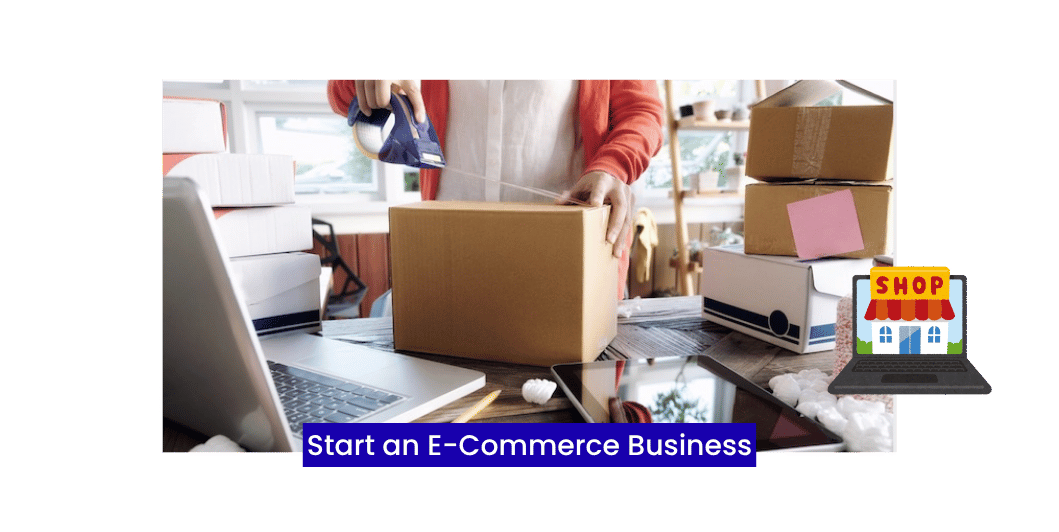
How to Start an E-Commerce Business in 2026: A Step-by-Step Guide for Beginners
Introduction
Shopping habits have changed dramatically over the past decade. Customers now expect the convenience of browsing products, comparing prices, and making purchases online from their phones or computers.
For entrepreneurs and small businesses, this presents an exciting opportunity.
Starting an e-commerce business is more accessible than ever, but success requires more than simply launching a website. You need a clear plan, the right platform, and a strategy for attracting and retaining customers.
This guide walks you through the key steps to building a successful online store.
What Is an E-Commerce Business?
An e-commerce business sells products or services through the internet.
Examples include:
- Fashion and apparel
- Electronics
- Books
- Handmade products
- Digital products
- Health and beauty items
- Home décor
- Grocery delivery
Customers can browse products, place orders, and make payments online.
Benefits of Starting an E-Commerce Business
An online store can help you:
- Reach customers beyond your local area
- Operate 24/7
- Lower overhead costs compared to many physical stores
- Offer multiple payment methods
- Track customer behavior and sales
- Scale your business over time
Read More: Google Ads for Small Businesses
Step 1: Choose the Right Business Idea
Start by identifying a product or service with market demand.
Consider:
- Your interests and expertise
- Customer problems you can solve
- Market demand
- Competition
- Profit margins
Research before investing in inventory or development.
Step 2: Identify Your Target Audience
Understand who your ideal customers are.
Think about:
- Age group
- Location
- Interests
- Shopping habits
- Budget
- Pain points
The better you understand your audience, the easier it is to create effective marketing campaigns.
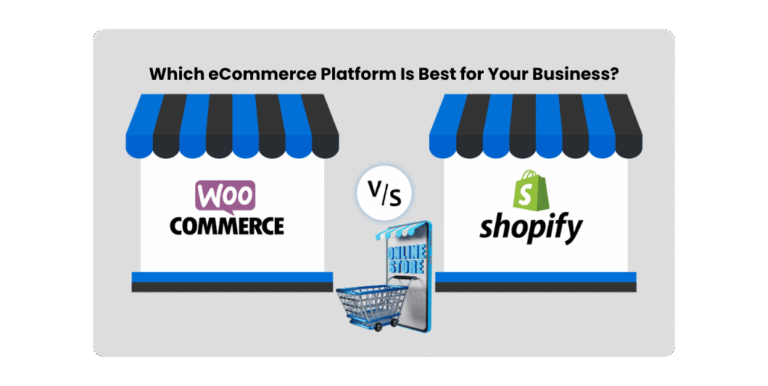
Step 3: Select an E-Commerce Platform
Choose a platform that matches your business needs.
Popular options include:
- WooCommerce
- Shopify
- Magento
- BigCommerce
Compare features such as:
- Ease of use
- Payment support
- Customization
- Scalability
- SEO capabilities
Step 4: Build a Professional Website
Your online store should include:
- Mobile-friendly design
- Fast loading speed
- Secure checkout
- Product categories
- Search functionality
- Contact page
- About page
- Customer support information
A professional website builds trust and improves the shopping experience.
Step 5: Add High-Quality Product Listings
Every product page should include:
- Clear product title
- Detailed description
- High-resolution images
- Pricing
- Specifications
- Shipping details
- Return policy
Well-written product pages help customers make informed decisions.
Step 6: Set Up Payment Methods
Offer trusted payment options such as:
- Credit and debit cards
- UPI
- Net banking
- Digital wallets
- Cash on delivery (where appropriate)
A smooth checkout process reduces abandoned carts.
Step 7: Plan Shipping and Delivery
Choose reliable shipping partners and communicate:
- Delivery timelines
- Shipping costs
- Tracking information
- Return process
Transparency builds customer confidence.
Read More: Lead Generation for Small Businesses
Step 8: Promote Your Store
Marketing plays a major role in growing your online business.
Effective channels include:
- SEO
- Content marketing
- Social media
- Email marketing
- Google Ads
- Meta Ads
- Influencer partnerships
A mix of organic and paid strategies often works best.
Step 9: Deliver Excellent Customer Service
Support customers through:
- Live chat
- Phone
- FAQs
Quick, helpful responses encourage repeat purchases and positive reviews.
Step 10: Analyze and Improve
Monitor key metrics such as:
- Website traffic
- Conversion rate
- Average order value
- Cart abandonment rate
- Customer retention
- Best-selling products
Use this data to improve your store and marketing strategy.
Common E-Commerce Mistakes
Avoid these mistakes:
- Poor product descriptions
- Low-quality images
- Complicated checkout process
- Slow website speed
- Ignoring mobile users
- Weak customer support
- Not tracking performance
E-Commerce Launch Checklist
Before launching your store, ensure you’ve completed the following:
✅ Professional website
✅ Secure payment gateway
✅ Product catalog
✅ Mobile optimization
✅ Shipping setup
✅ Privacy policy
✅ Return policy
✅ SSL certificate
✅ Analytics integration
Read More: 10 Reasons Every Small Business Needs a Professional Website
Frequently Asked Questions
How much does it cost to start an e-commerce business?
Costs vary depending on your platform, website, inventory, and marketing budget. Many businesses start small and expand as they grow.
Which platform is best for beginners?
The best platform depends on your goals, technical skills, and budget. Look for one that offers ease of use, flexibility, and room to scale.
Can I run an e-commerce business from home?
Yes. Many online businesses operate successfully without a physical storefront.
How do I get customers?
Combine SEO, content marketing, social media, email marketing, paid advertising, and excellent customer service to attract and retain customers.
Final Thoughts
Starting an e-commerce business is an exciting opportunity, but long-term success depends on planning, execution, and continuous improvement. Focus on delivering value, creating a smooth shopping experience, and building trust with your customers.
As your business grows, continue refining your website, marketing strategies, and customer service to stay competitive in the ever-evolving online marketplace.


4 Comments