
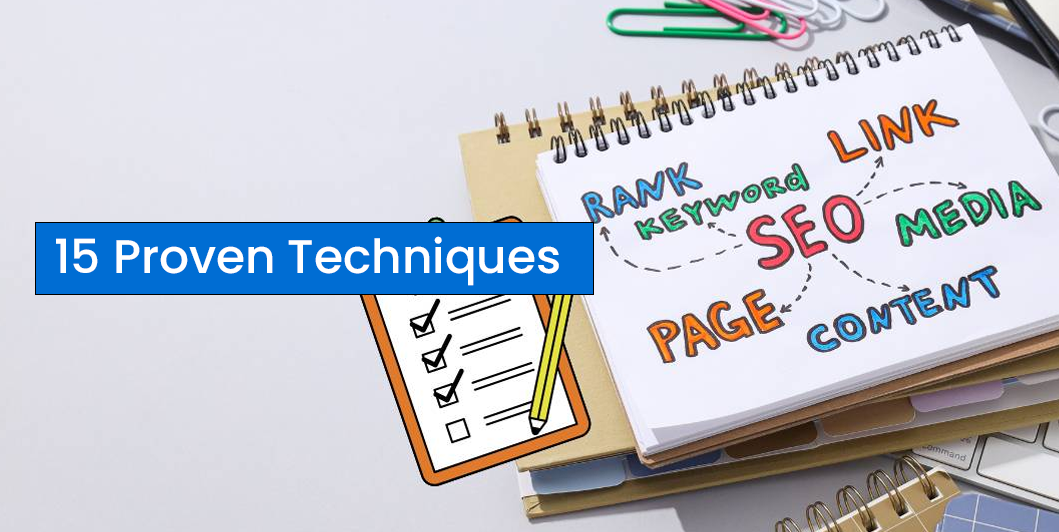
On-Page SEO Checklist: 15 Proven Techniques to Rank Higher on Google (2026)
Introduction: SEO Optimization Checklist
You’ve found the right keywords, built a professional website, and started publishing blog posts. But if your pages aren’t properly optimized, Google may struggle to understand and rank your content.
That’s where On-Page SEO comes in.
On-page SEO is the process of optimizing individual web pages to improve their visibility in search engines and provide a better experience for visitors. Unlike off-page SEO, which focuses on backlinks and authority, on-page SEO is entirely within your control.
This guide covers 15 practical techniques you can apply to every page and blog post.
What Is On-Page SEO?
On-page SEO involves optimizing both the content and HTML elements of a webpage to help search engines understand its topic and improve rankings.
It includes:
- Content optimization
- Keyword placement
- Meta tags
- Heading structure
- Internal linking
- Image optimization
- URL optimization
- User experience improvements
1. Choose One Primary Keyword
Every page should focus on one main keyword.
Example:
Primary Keyword
On-Page SEO Checklist
Support it naturally with related keywords throughout the article.
2. Write an SEO-Friendly Title Tag
Your title should:
- Include the primary keyword
- Be engaging
- Stay within 50–60 characters
- Encourage clicks
Example:
On-Page SEO Checklist: 15 Proven Techniques
3. Optimize the Meta Description
Although it doesn’t directly affect rankings, a strong meta description can improve click-through rates.
Aim for:
- 140–160 characters
- Clear value
- Primary keyword included naturally
4. Use a Clean URL Structure
Good example:
yourdomain.com/on-page-seo-checklistAvoid:
yourdomain.com/post?id=12345Keep URLs short, readable, and keyword-rich.
5. Create One Clear H1 Heading
Every page should have only one H1.
Your H1 should clearly describe the page and include the primary keyword where appropriate.
6. Structure Content with H2 and H3 Headings
Break your content into logical sections.
Benefits include:
- Better readability
- Easier navigation
- Improved SEO
- Increased chances of appearing in featured snippets
7. Write High-Quality Content
Google rewards content that is:
- Helpful
- Original
- Accurate
- Well-organized
- Easy to understand
Focus on solving the user’s problem rather than simply adding keywords.
8. Optimize Images
Images improve engagement, but they should also be optimized.
Best practices:
- Compress images
- Use descriptive filenames
- Add meaningful alt text
- Choose modern formats like WebP where possible
Example:
on-page-seo-checklist.webp9. Add Internal Links
Internal links help visitors discover more content and help search engines understand your site’s structure.
For example, this article can link to:
- What Is SEO?
- Keyword Research for SEO
- Professional Website Guide
10. Link to Trusted External Sources
When relevant, link to authoritative resources to provide additional value and context.
Use external links sparingly and ensure they are relevant and trustworthy.
11. Improve Readability
Readers prefer content that’s easy to scan.
Use:
- Short paragraphs
- Bullet lists
- Clear headings
- Simple language
- White space
A better reading experience often leads to longer time on page.
12. Make Your Website Mobile-Friendly
Most users browse on mobile devices.
Ensure your website:
- Adapts to different screen sizes
- Uses readable fonts
- Has tap-friendly buttons
- Loads quickly
13. Improve Page Speed
Slow websites frustrate users and can hurt rankings.
Ways to improve speed:
- Compress images
- Use browser caching
- Minify CSS and JavaScript
- Choose reliable hosting
- Enable lazy loading
14. Add a Strong Call to Action
Guide visitors toward the next step.
Examples:
- Contact us
- Request a quote
- Read another article
- Download a guide
- Subscribe to the newsletter
15. Keep Content Updated
Google values fresh, accurate content.
Review important pages regularly to:
- Update statistics
- Improve examples
- Add new sections
- Fix broken links
- Refresh outdated information
Quick On-Page SEO Checklist
Before publishing, make sure you’ve completed the following:
✅ Primary keyword selected
✅ SEO-friendly title
✅ Meta description written
✅ Clean URL
✅ One H1 heading
✅ Proper H2 and H3 structure
✅ High-quality content
✅ Optimized images
✅ Internal links
✅ External references (when appropriate)
✅ Mobile-friendly design
✅ Fast loading speed
✅ Clear call to action
Read Also: The Ultimate Digital Growth Guide for Small Businesses
Common On-Page SEO Mistakes
Avoid these mistakes:
- Keyword stuffing
- Duplicate content
- Missing title tags
- Thin or low-value content
- Large, unoptimized images
- Broken internal links
- Ignoring mobile optimization
- Poor readability
Frequently Asked Questions
Does On-Page SEO still matter in 2026?
Yes. High-quality content, a good user experience, and clear page structure remain fundamental to strong search performance.
How long does it take to see results?
SEO improvements often take several weeks or months to show measurable results, depending on your site’s authority, competition, and content quality.
Should every page target a different keyword?
Ideally, yes. Giving each page a distinct focus reduces keyword overlap and helps search engines understand the purpose of each page.
Can On-Page SEO improve conversions?
Absolutely. Better content, clearer navigation, and stronger calls to action can improve both search visibility and user engagement.
Final Thoughts
On-page SEO is one of the most effective ways to improve your website’s performance because it’s entirely under your control. By following a consistent optimization process, you make it easier for both users and search engines to understand your content.
Combine strong on-page optimization with quality content, smart keyword research, and a technically sound website to build sustainable organic growth over time.

One Comment